0%
NUVAR · DESKTOP PRE-PRODUCTION STUDIO · WIN & MACOS
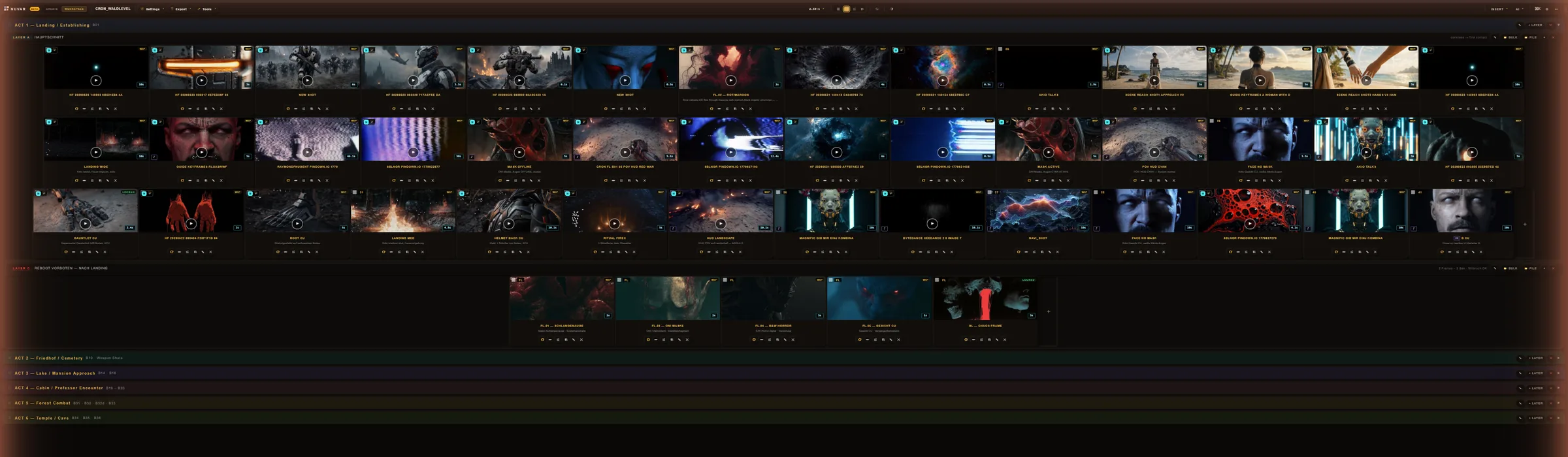
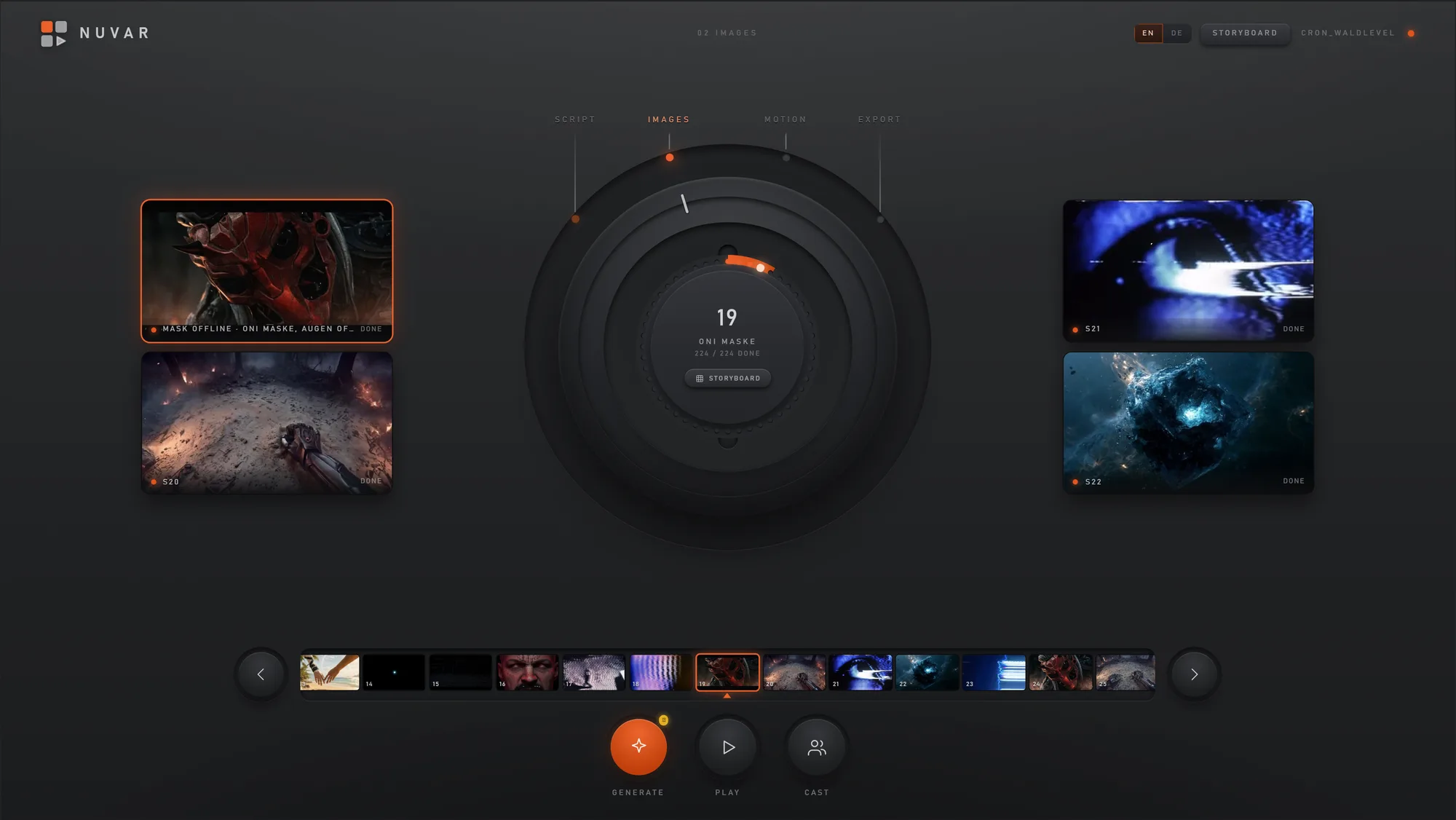
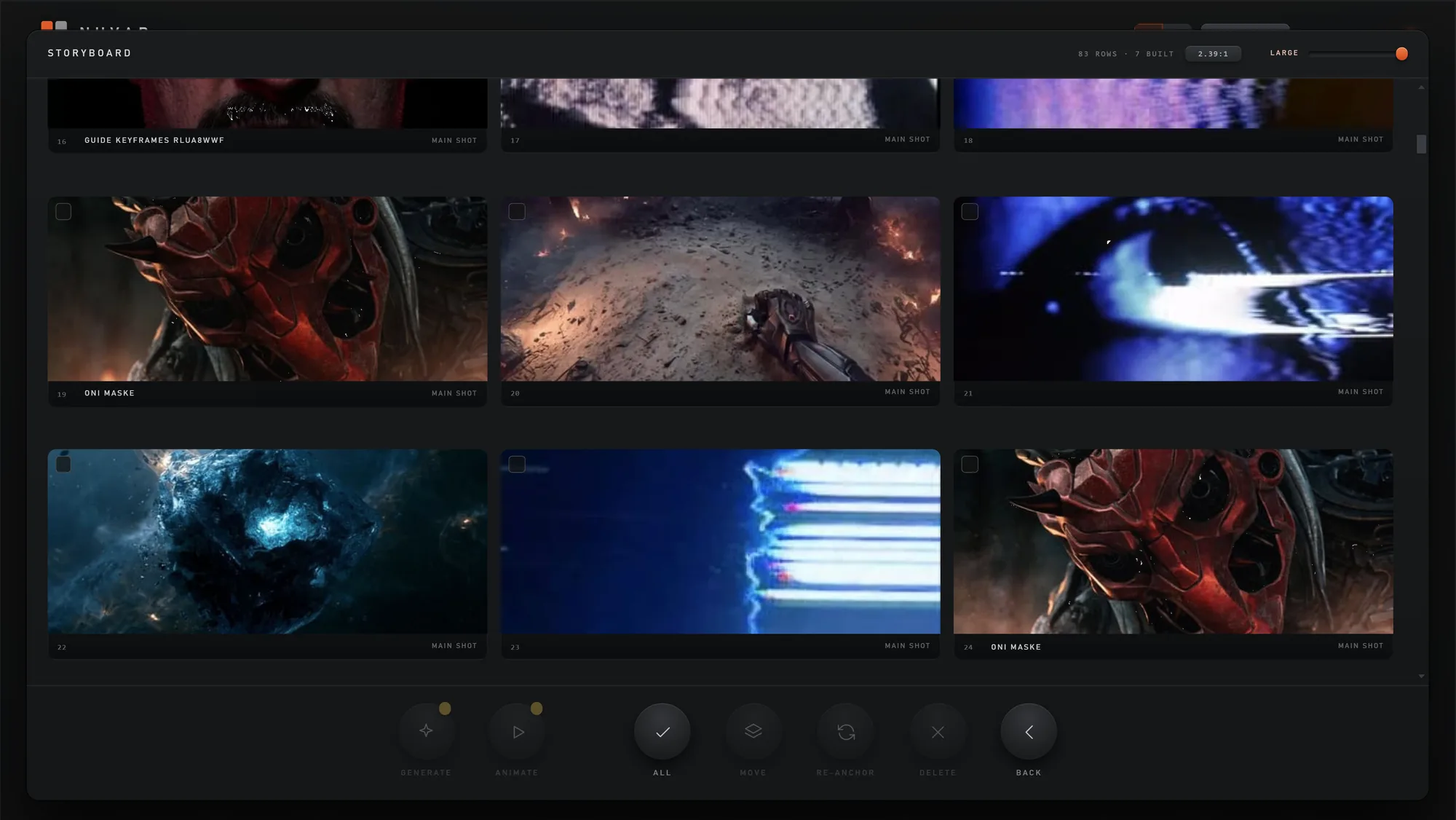
NUVAR storyboard — the full shot grid across three acts

NUVAR turns your screenplay into a shot-by-shot storyboard — AI imaging, consistent characters, 3D blocking, animatic playback and Premiere/After Effects export. One desktop app instead of five. 100% offline. €199 once — no subscription.

YourWhole Film,fromScript toScreen

14-day full trial · no credit card · your script never leaves your machine

How it works

Three steps,
one app.

No tab-juggling between a script tool, an image generator, a 3D app and an editor. NUVAR does the whole pre-production chain on your desktop.

01

Drop in your script

NUVAR reads your screenplay and breaks it into acts, scenes and shots — with suggested camera angles and durations. Even feature-length scripts, auto-split into parts.

SCRIPT → STRUCTURED BOARD
02

Generate & block

Generate AI images across 61 models, keep characters consistent with reference faces, block scenes in 3D and collect looks on a mood board.

IMAGE · CHARACTER · 3D · MOOD
03

Play & deliver

Play your board as an animatic with timing and audio, then export to Premiere & After Effects, a print-ready PDF, a WebM and a CSV shooting schedule.

ANIMATIC → PRO EXPORTS
01 — Script breakdown

From screenplay
to shot list

Paste or import your script and let NUVAR (powered by Claude, your key) propose the acts, scenes and individual shots — each with a camera type and a runtime. You start with a full board, not a blank page.

Auto acts & scenesPer-shot durationFeature-length
A scene broken down into shots
ACT 1 · BREAKDOWN
02 — Generate

AI imaging,
61 models

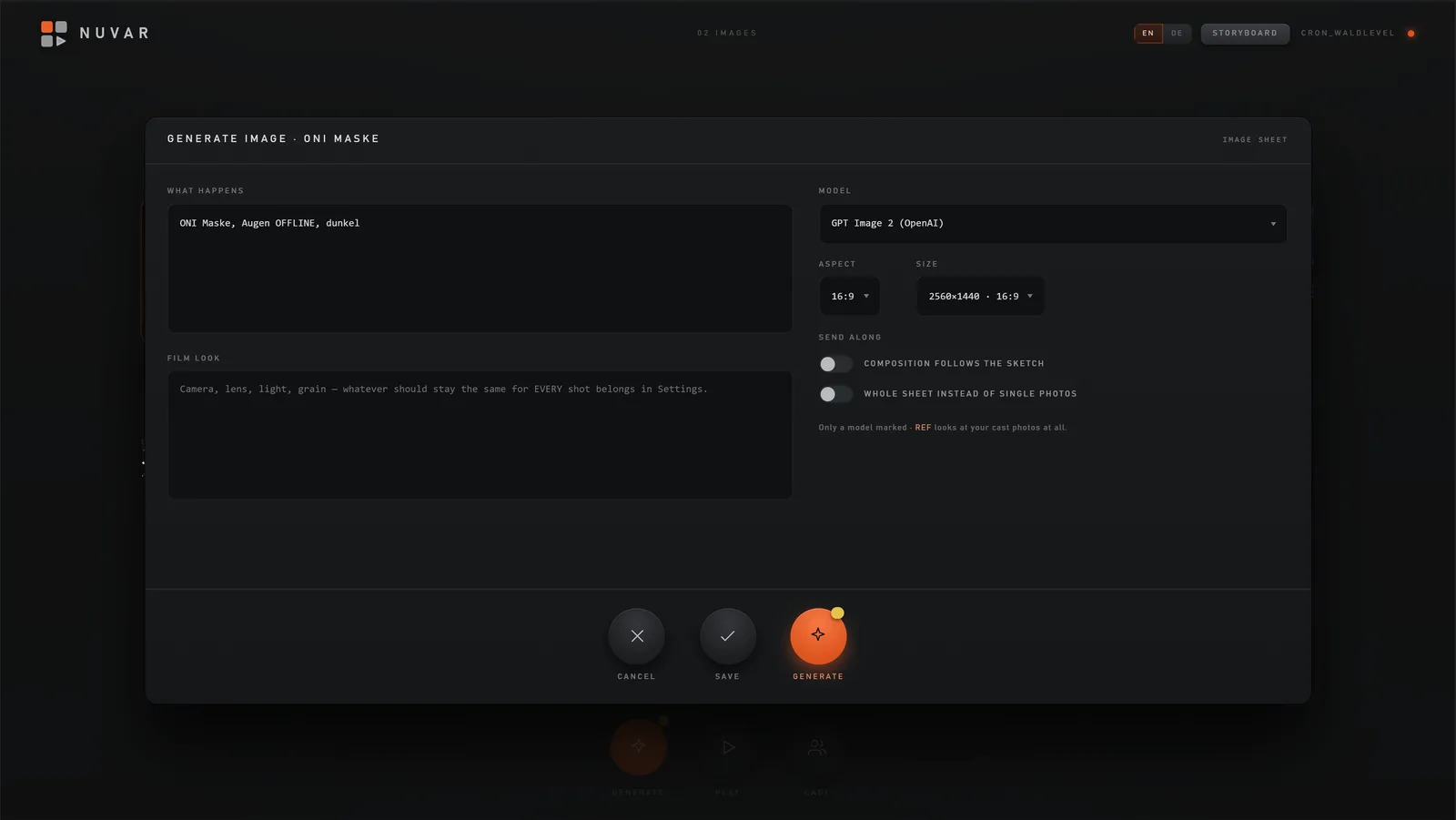
One click per shot or batch the whole project — across Seedream, FLUX, GPT-Image and more via Atlas Cloud. Pick the right look per shot; every model shows what it does up front. Bring your own key.

SeedreamFLUXGPT-ImageBatch
NUVAR AI image generation panel with model picker
IMAGE GEN · 61 MODELS
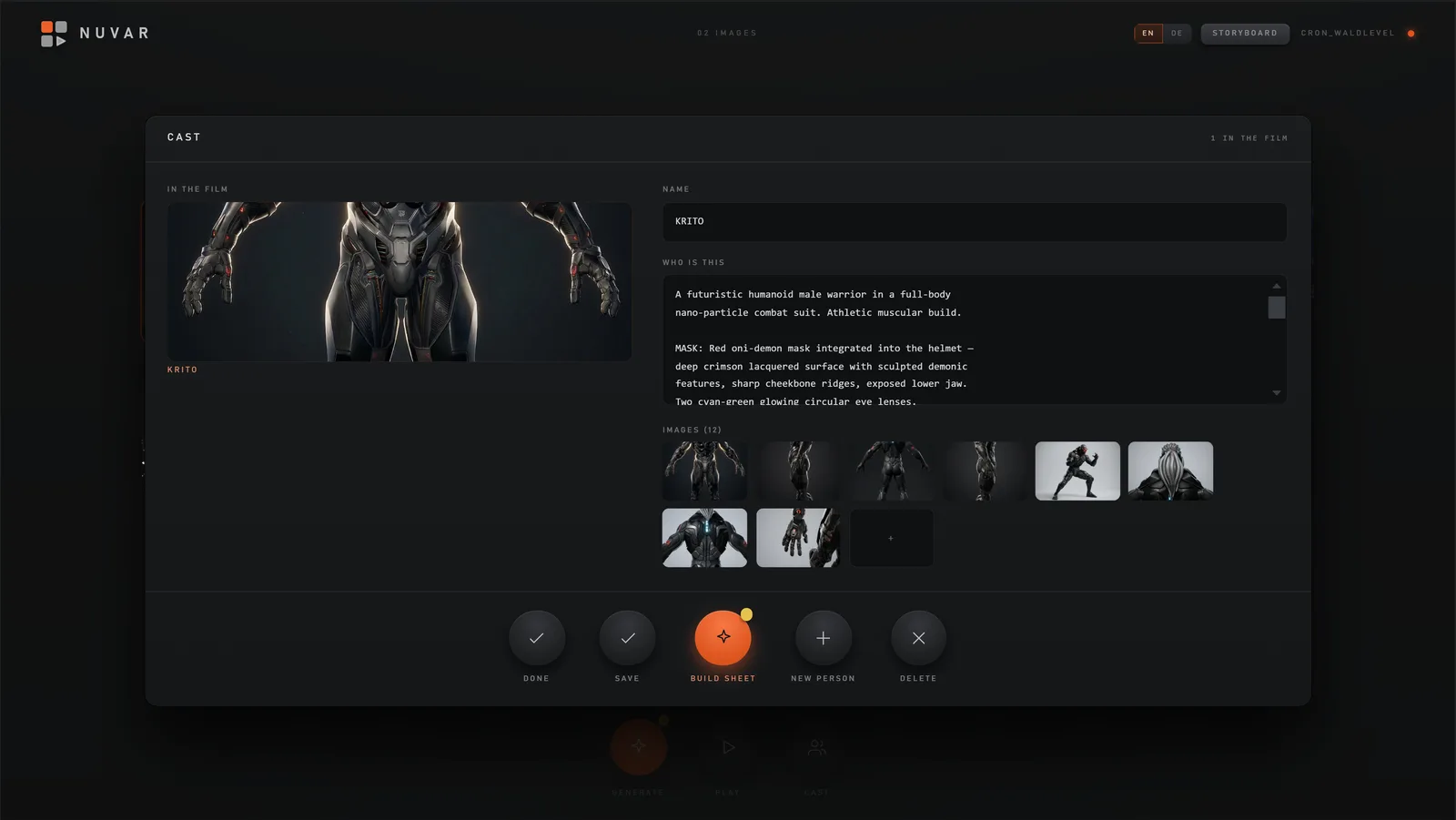
03 — Lock identity

The same face,
every frame

Define a character once with up to five reference images, tag it on any shot, and NUVAR keeps that face consistent across a hundred generated frames. The thing standalone image tools simply can't do.

Define onceTag anywhereAuto-attach refs
NUVAR character library with reference faces
CHARACTERS · LIBRARY
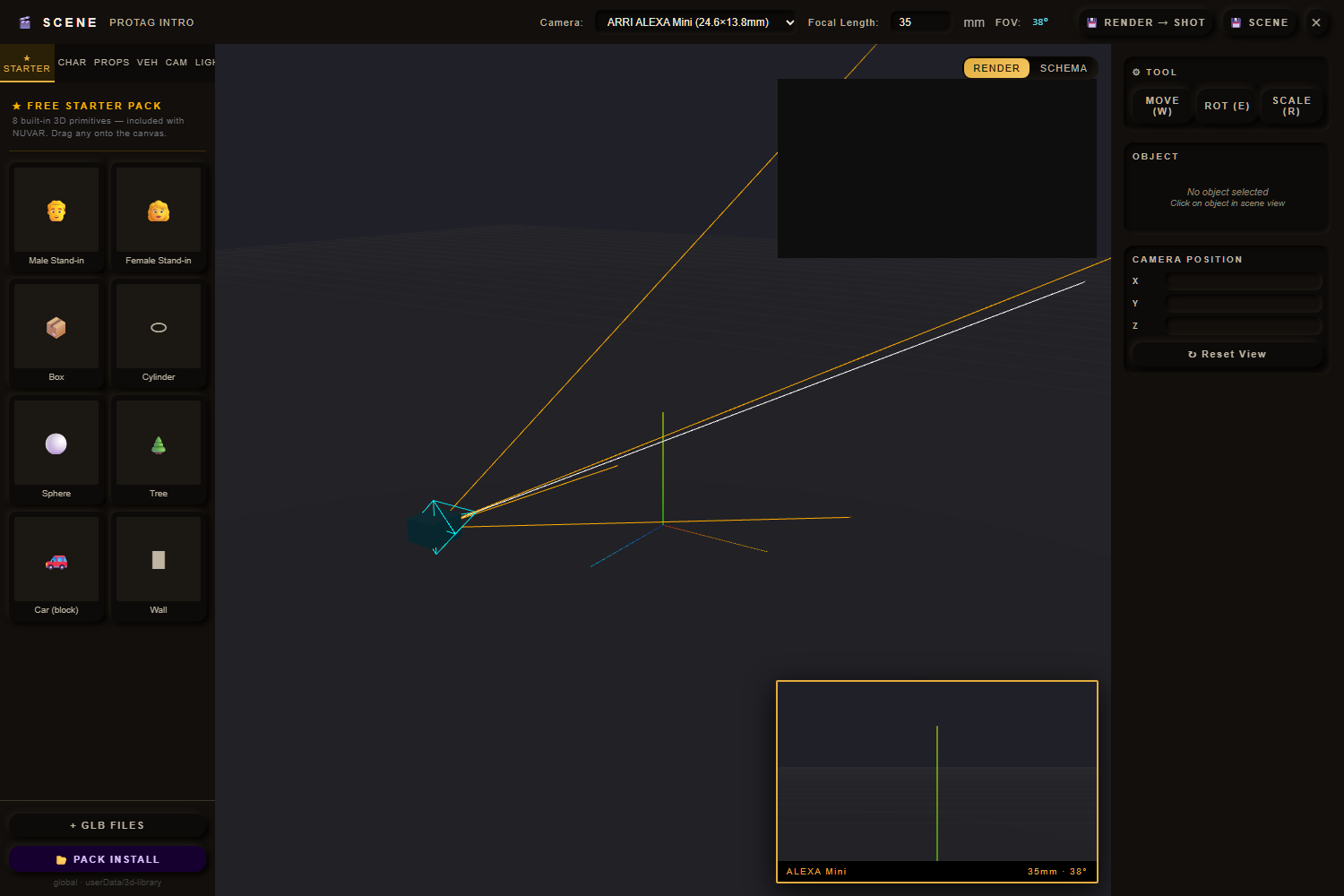
04 — Pre-viz

3D blocking
& animatic

Block shots in a real-time 3D scene with a GLB starter pack and placeable lights, then hit play — your board runs in sequence at the right durations with per-shot audio mixed in.

three.jsGLB libraryAnimaticPer-shot audio
NUVAR 3D scene editor with camera and starter pack
3D SCENE · PRE-VIZ
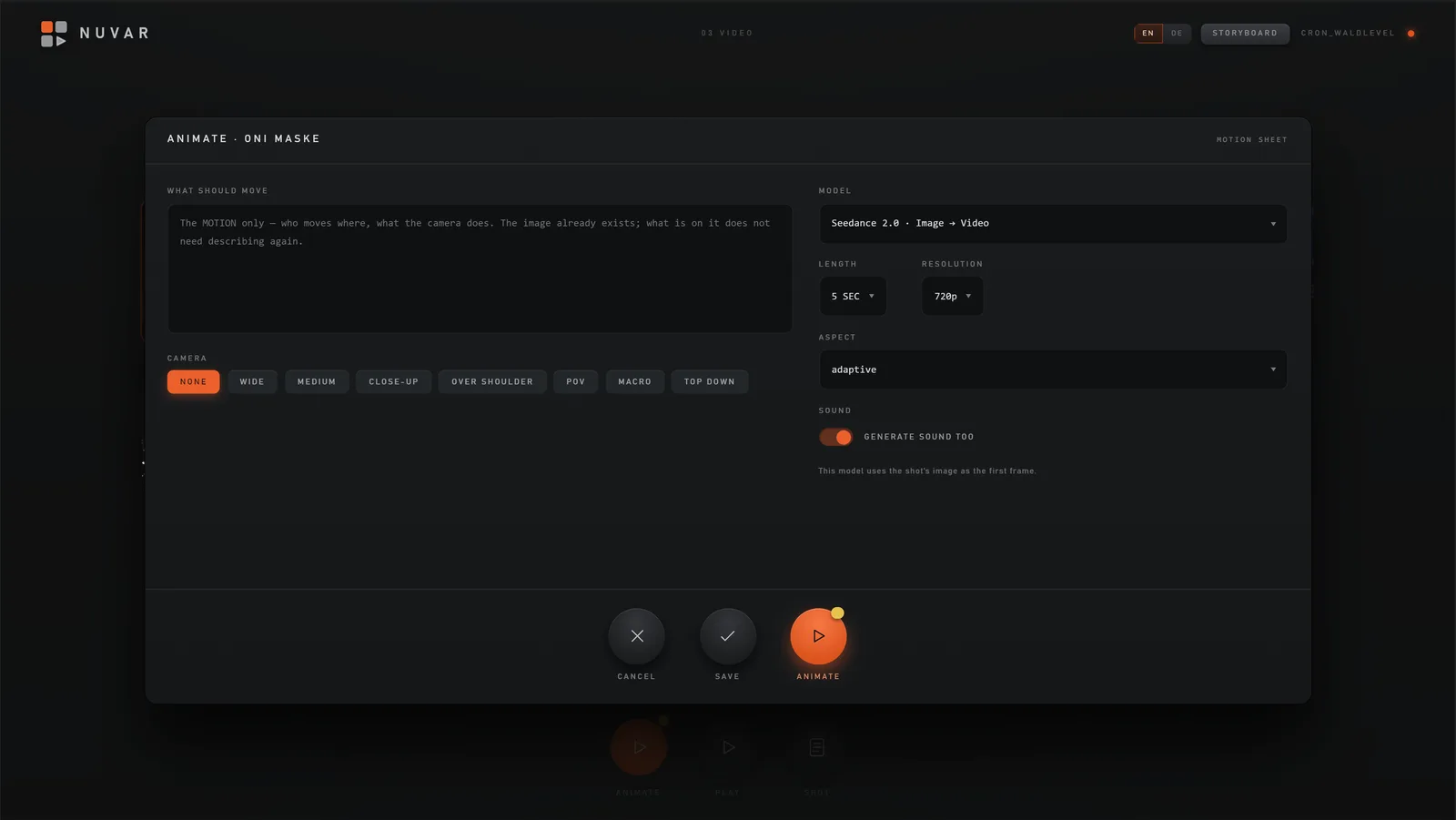
05 — Deliver

Pro exports,
natively

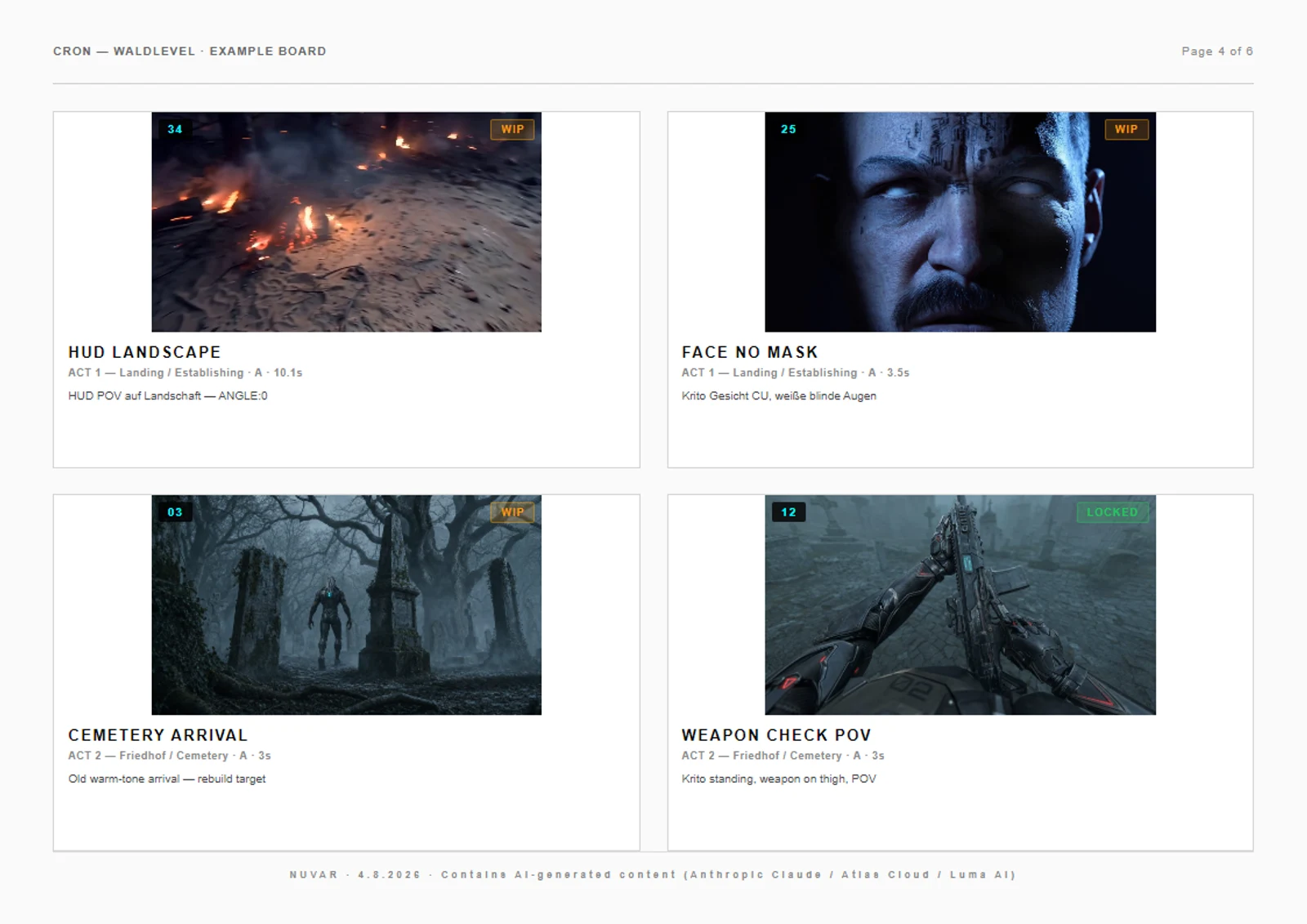
FCP7 XML opens straight into Premiere & After Effects as a sequence. Add a WebM animatic (no extra tools), a print-ready PDF storyboard, a CSV shooting schedule and per-shot PNGs.

FCP7 XMLWebMPDFCSV
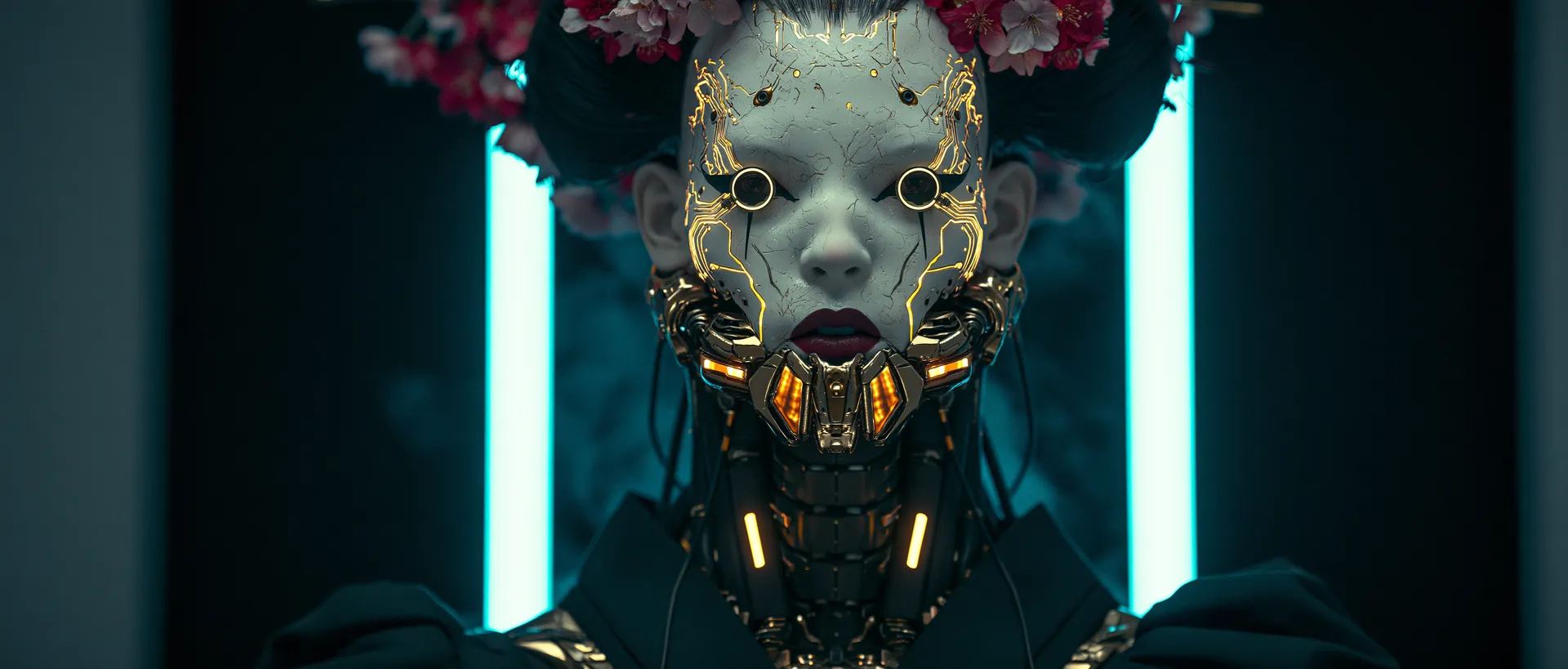
Cinematic close-up — generated character with glowing eyes
SHOT 004 · EXPORT
Why NUVAR

One app does
what five used to.

Most filmmakers stitch pre-production together from a script app, an AI image site, a 3D tool and a spreadsheet. Here's how that stacks up.

CapabilityNUVARSaaS storyboard appsManual (PS + sheets)
Script → automatic shot breakdown✓ AIPartial
AI image generation (61 models)1 locked modelSeparate site
Character consistency across shotsRare
3D blocking / pre-vizSeparate app
Animatic playback with audioSome
Premiere / After Effects export✓ FCP7 XMLVariesBy hand
Works 100% offline✗ cloud-only
Your script stays on your disk✗ their servers
Price€199 once€40–150 / moTool sprawl
0
AI Image Models
0
Board Views
0
Export Formats
0
Local & Offline
The promise

Indie tools — not SaaS
that holds your work hostage.

01

Zero-cloud promise

Your screenplay never leaves your machine. No telemetry, no account server — even license checks run fully offline.

02

One-time purchase

€199 once. No subscription, no renewal. Free updates within your version line, on all your personal machines.

03

Bring your own AI

Use your own Anthropic and Atlas Cloud keys. You pay providers directly, at cost — we never mark up or middleman your generations.

04

Character consistency

Define once, tag anywhere, auto-attach references. The same face across your whole board.

05

Real pro exports

Premiere & After Effects open your boards natively via FCP7 XML. WebM, PDF and CSV too.

06

Yours to keep

Plain-JSON projects in folders you control. No lock-in — copy a project to another drive and it just works.
Pricing

Pay once.
Own it forever.

€199once

One-time license · includes all updates within Version 1.x.

  • Full app, every feature unlocked
  • Use on multiple personal machines
  • Free updates & bug fixes (1.x)
  • Watermark-free PDF & video exports
  • Offline license activation (RSA-signed)
  • Email support · within 48h
  • 30-day money-back guarantee

vs. storyboarding SaaS at €40–150 per user / month

14-day free trial

Try the whole thing first.

All features unlocked, no credit card. After 14 days the app keeps working — only exports get a “TRIAL” watermark until you activate.

WINDOWS — 10 / 11 (64-bit)
MACOS — 11+, Apple Silicon + Intel
MEMORY — 4 GB min · 8 GB for 500+ shots
DISK — 500 MB + your projects
Questions

Good to know.

What exactly is NUVAR?

A desktop pre-production studio. You bring a screenplay; NUVAR turns it into a shot-by-shot storyboard, generates AI images, keeps your characters consistent, lets you block scenes in 3D, plays the whole thing as an animatic, and exports to Premiere, After Effects, PDF and more — all in one app, on your own machine.

Is it really offline?

Yes. Projects, images and scripts live in plain-JSON folders on your disk. License verification is fully offline (RSA-signed keys). The only network calls happen when you trigger an AI feature with your own API key — straight from your machine to the provider, never through us.

Is there a subscription?

No. €199 once. Updates within your major version (1.x) are free for the life of the license. Your key works on multiple personal machines.

Can I try before I buy?

Yes — a 14-day full trial, every feature, no credit card. After the trial the app keeps running; only exports carry a “TRIAL” watermark until you activate.

Which AI keys do I need?

Bring your own: Anthropic (Claude) for script analysis, Atlas Cloud for image generation across 61 models. Keys are stored encrypted via your OS keychain and never sent to us. You pay providers directly, at their cost.

Which formats can I export?

FCP7 XML (Premiere & After Effects), WebM animatic (720p/1080p/1440p with audio), PDF storyboard (A4/Letter), CSV schedule, and per-shot PNG.

What are the system requirements?

Windows 10/11 (64-bit) or macOS 11+ (Apple Silicon and Intel). 4 GB RAM minimum, 8 GB for 500+ shot projects, ~500 MB disk plus your project storage.

One app.
Script to screen.